About True Sense PTW6 Weather Station Home Clock Indoor Outdoor Automatic Wifi Wireless, PTW6
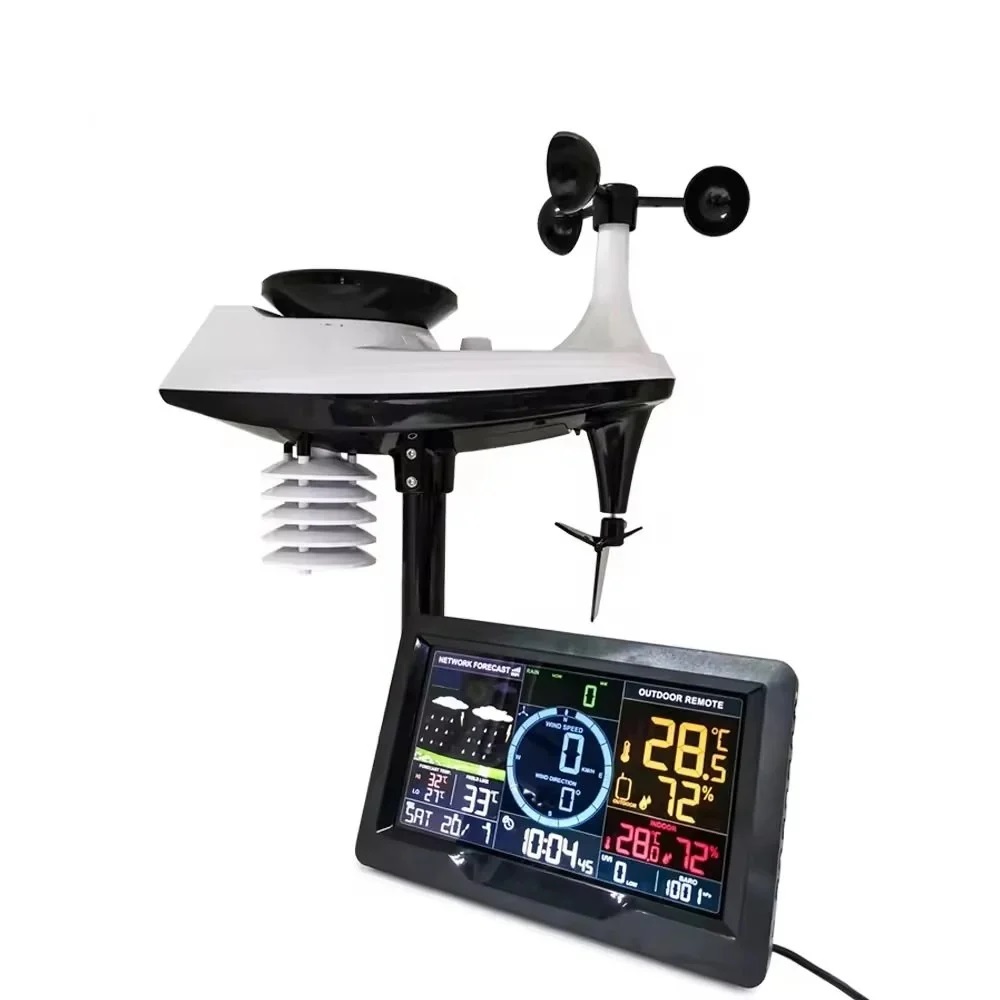
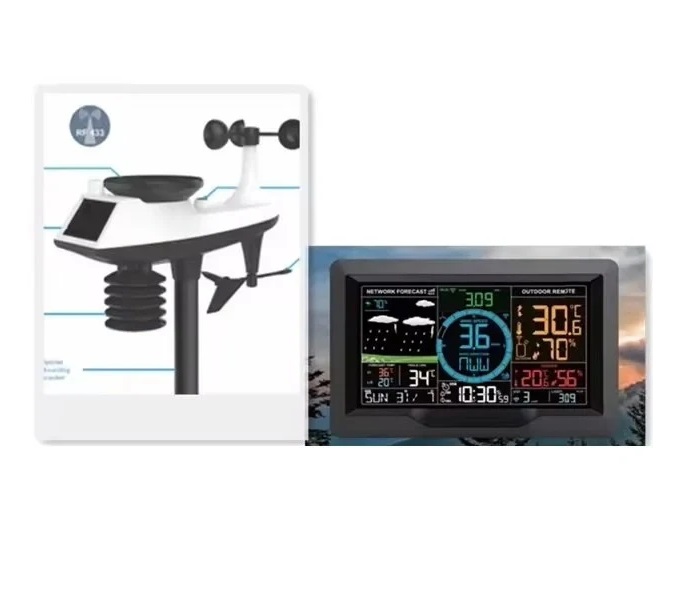
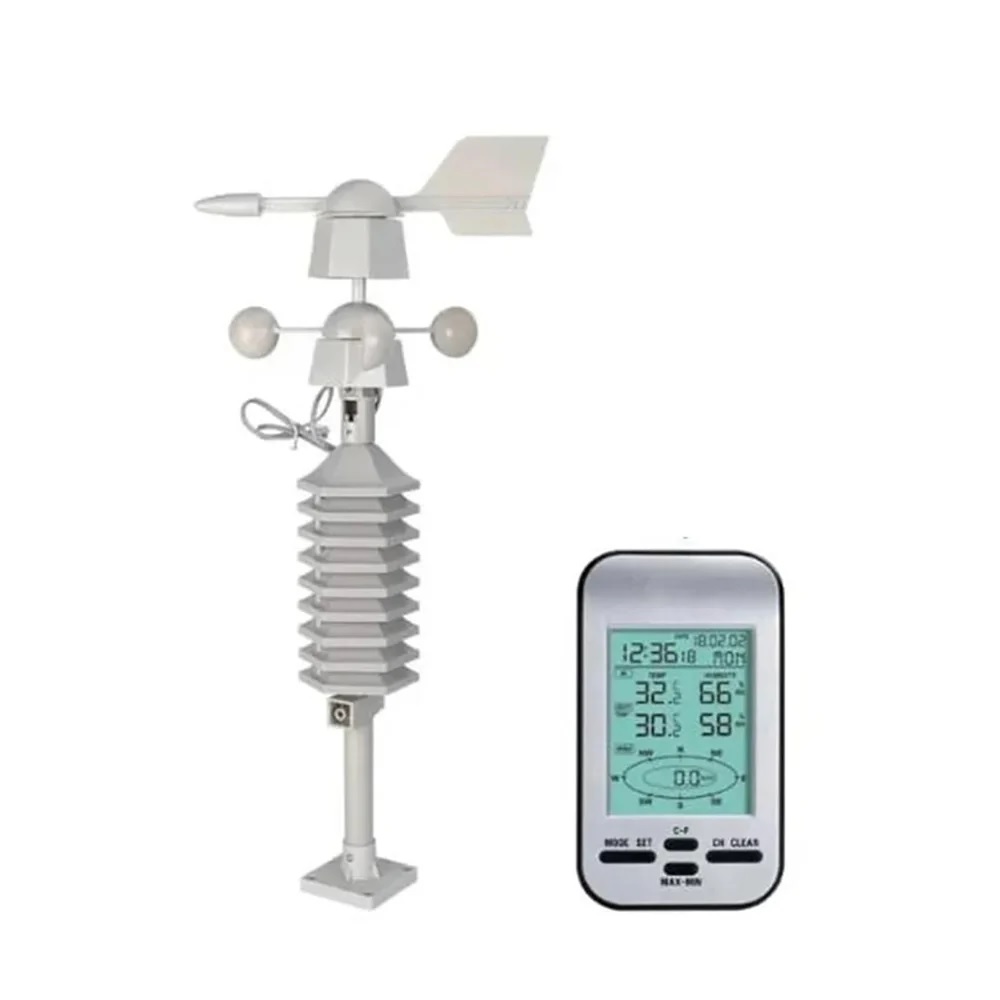
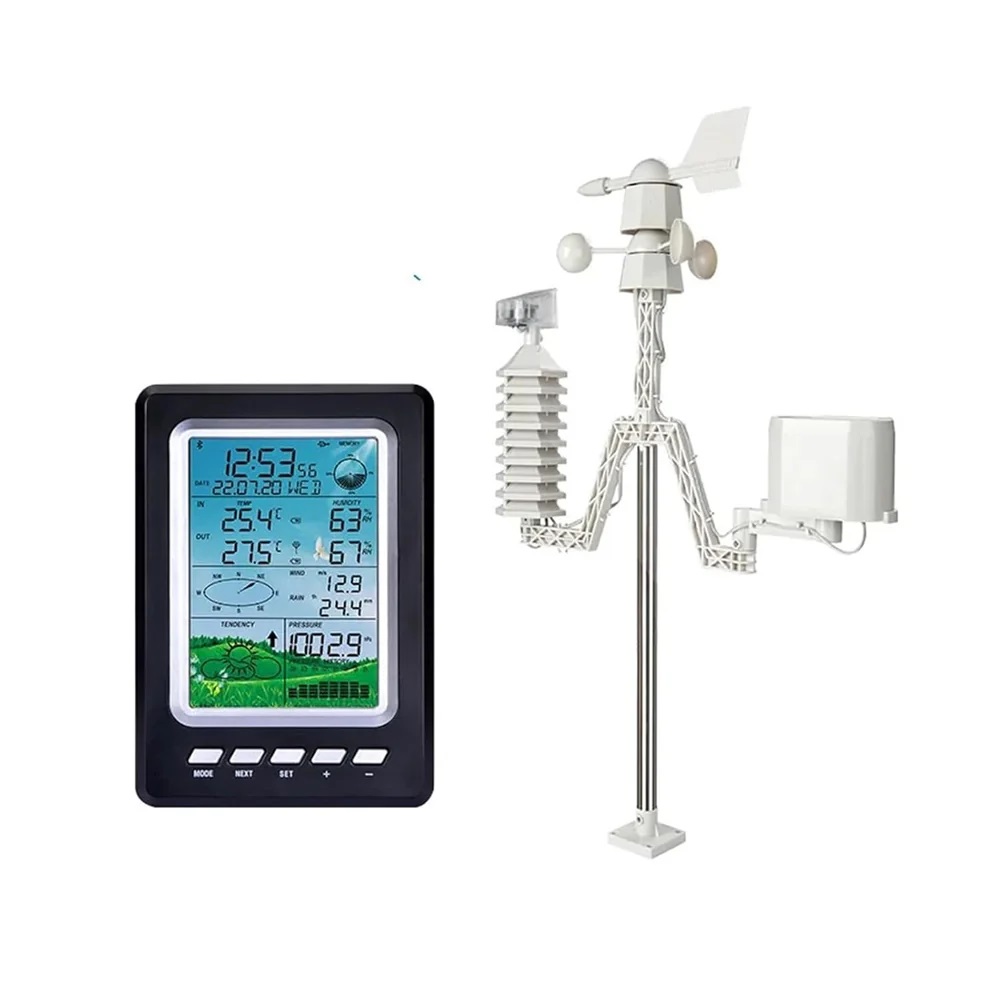
True Sense PTW6 WiFi Wireless Weather Station is a smart home weather monitoring solution designed for accurate indoor and outdoor environmental tracking. Featuring automatic WiFi connectivity and wireless sensors, it provides real-time weather updates, clock display, and climate data for modern homes and offices.
Features:
-
WiFi-enabled automatic weather monitoring
-
Indoor and outdoor temperature measurement
-
Wireless sensor connectivity
-
Clear digital clock and display
-
Real-time environmental updates
-
User-friendly interface
-
Ideal for home and office use
Reliable and Accurate Weather MonitoringTrack indoor and outdoor conditions in real-time with the PTW6's high-precision, multi-sensor system. The expansive measurement ranges ensure you're informed about temperature and humidity changes, creating a comfortable and healthy environment inside your home or office.
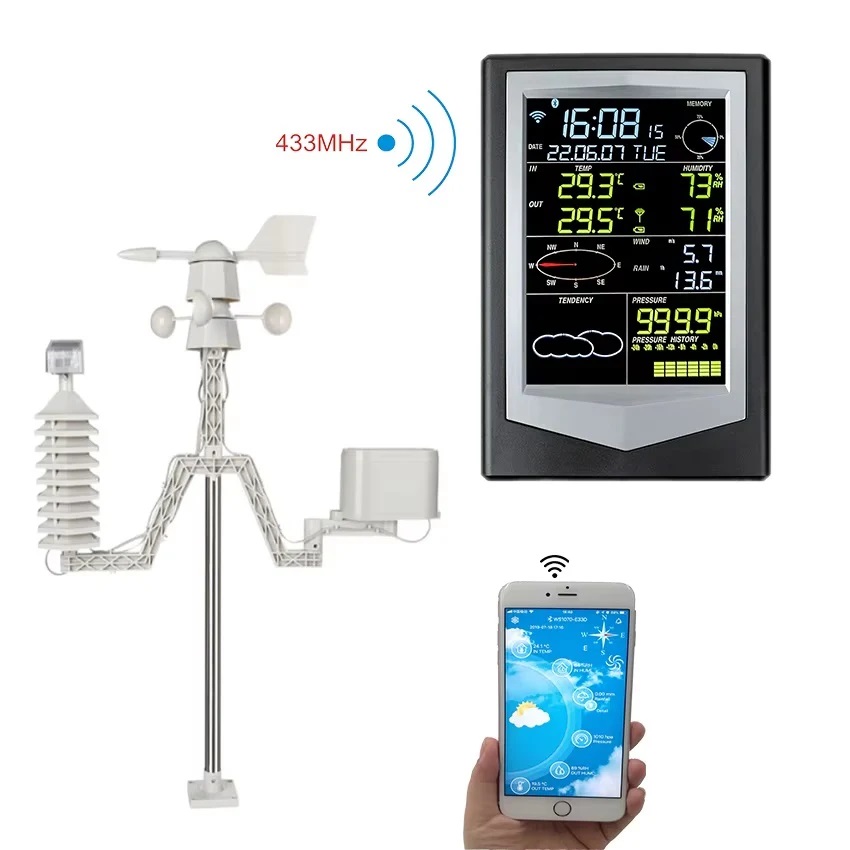
Convenient Smart ConnectivityBuilt with WiFi wireless technology, the PTW6 effortlessly connects to your home network and syncs data to its user-friendly iOS and Android apps. Monitor, record, and review climate data from anywhere for smart day-to-day decisions.
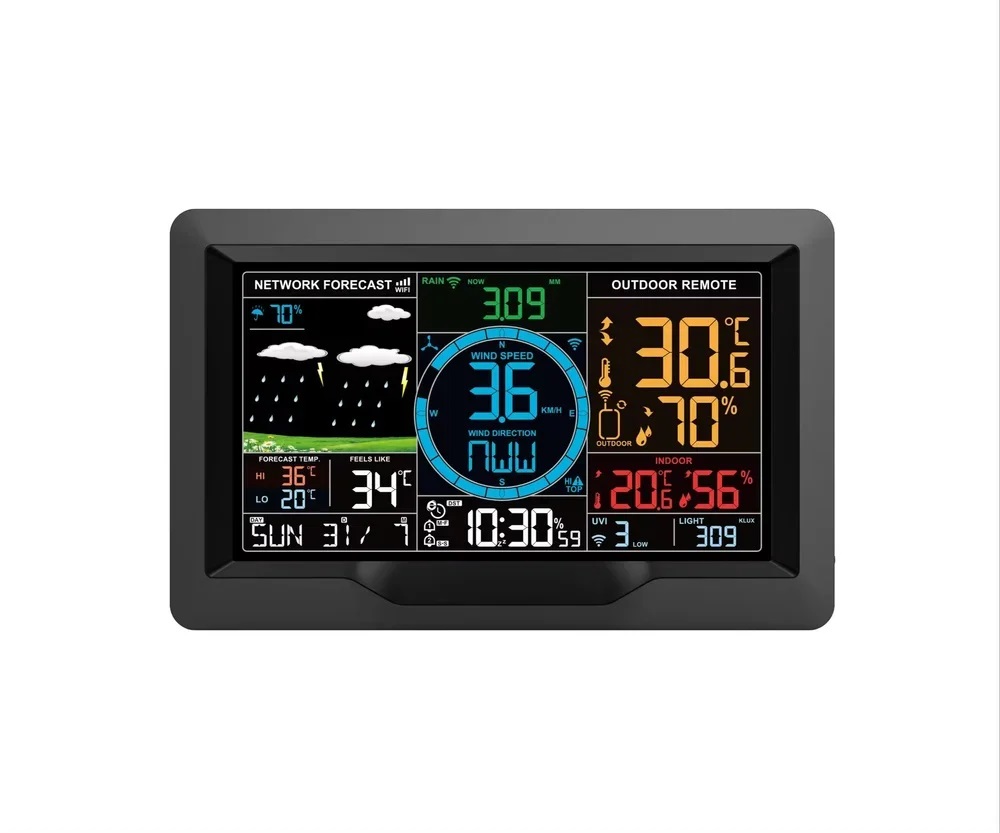
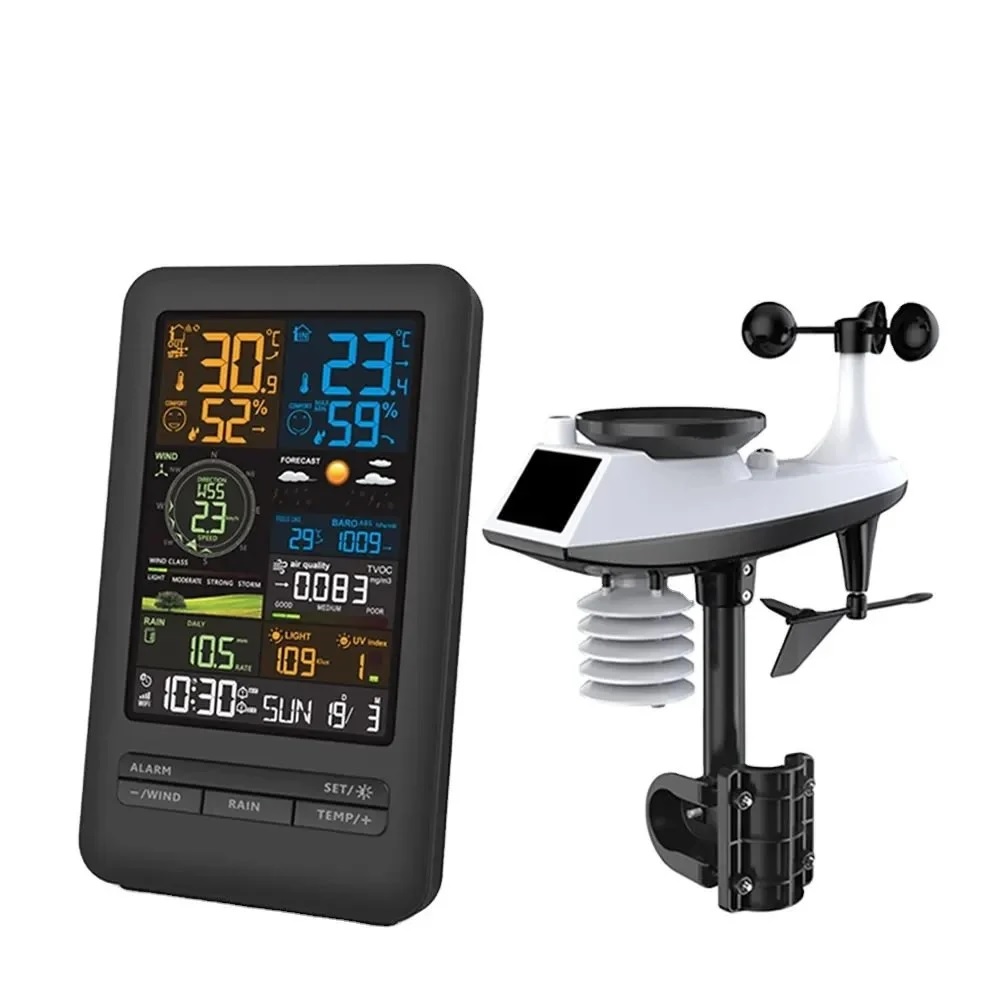
Versatile Display and Installation OptionsFeaturing a large color LCD and adjustable backlight, the PTW6 fits seamlessly into any space. Place it on a tabletop or mount it on the wall to match your decor and usage needs. The digital clock, alarm, calendar, and intuitive icons provide instant information at a glance.
FAQ's of True Sense PTW6 Weather Station Home Clock Indoor Outdoor Automatic Wifi Wireless, PTW6:
Q: How do I set up and connect the PTW6 Weather Station to WiFi?
A: Plug in the main unit, power it on, and follow the user manual to enter WiFi setup mode. Use the dedicated iOS or Android app to connect the device to your 2.4 GHz WiFi network. The app guides you step by step for quick configuration.
Q: What are the benefits of using the PTW6 for monitoring indoor and outdoor environments?
A: The PTW6 provides real-time temperature and humidity monitoring with a wide measurement range, helping you optimize comfort and detect climate changes. Its weather forecast feature, memory records, and app support make environmental management effortless.
Q: Where should I place the outdoor sensors for the best accuracy?
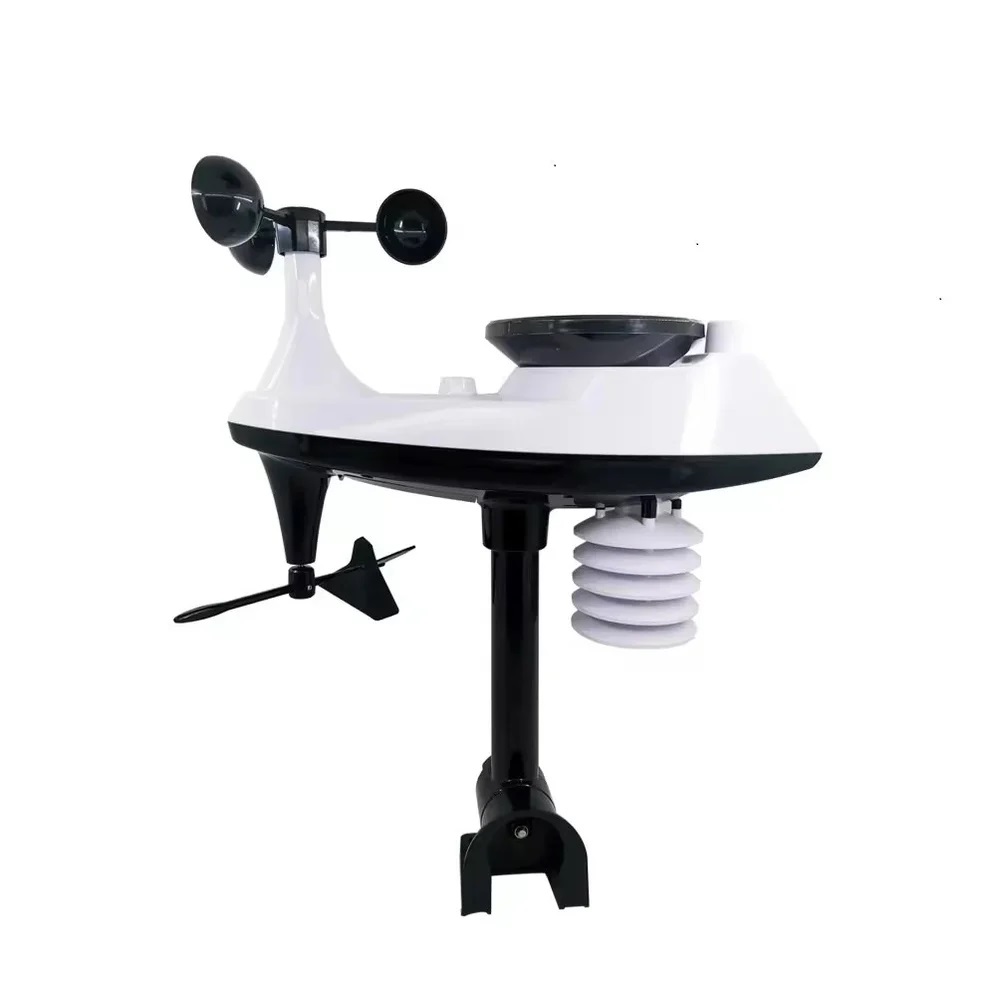
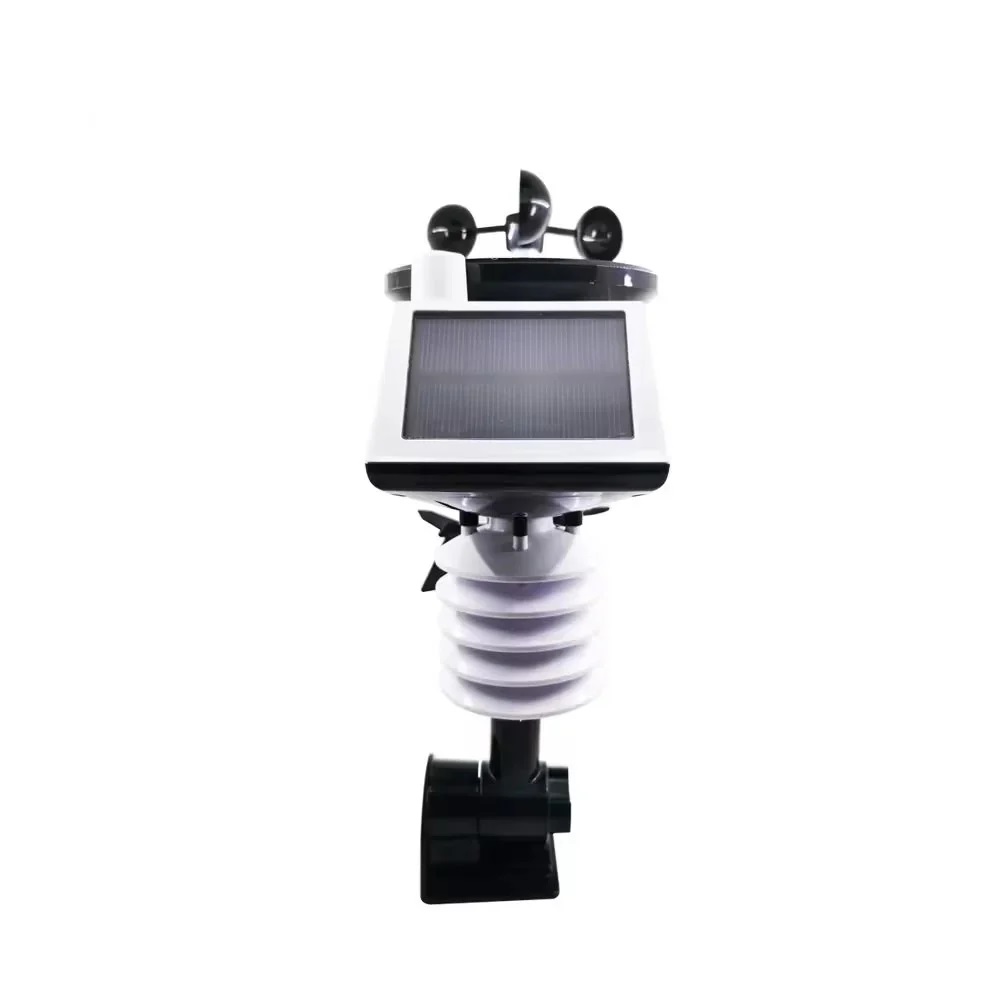
A: Install the sensors in shaded locations, away from direct sunlight and precipitation for the most accurate readings. Each sensor can be placed up to 60 meters from the main unit in open areas. Ensure each channel is properly synced and named in the app.
Q: What is the process for viewing historical maximum and minimum temperature and humidity readings?
A: Simply press the relevant button on the main unit or access the records through the mobile app. The PTW6 automatically logs and stores max/min data for easy review and climate trend analysis.
Q: When should I use battery power versus USB power for the main unit?
A: Use USB power for continuous backlight and ongoing operation at a permanent location. Battery power is ideal for portable use or in areas without easy access to a wall outlet, though the backlight may be limited to conserve energy.
Q: What features does the PTW6 offer for daily time management?
A: Alongside weather monitoring, the PTW6 includes a digital clock, calendar, daily alarm function, and clear date/time display, making it practical for both home and office environments.






 Send Inquiry


 Send Inquiry